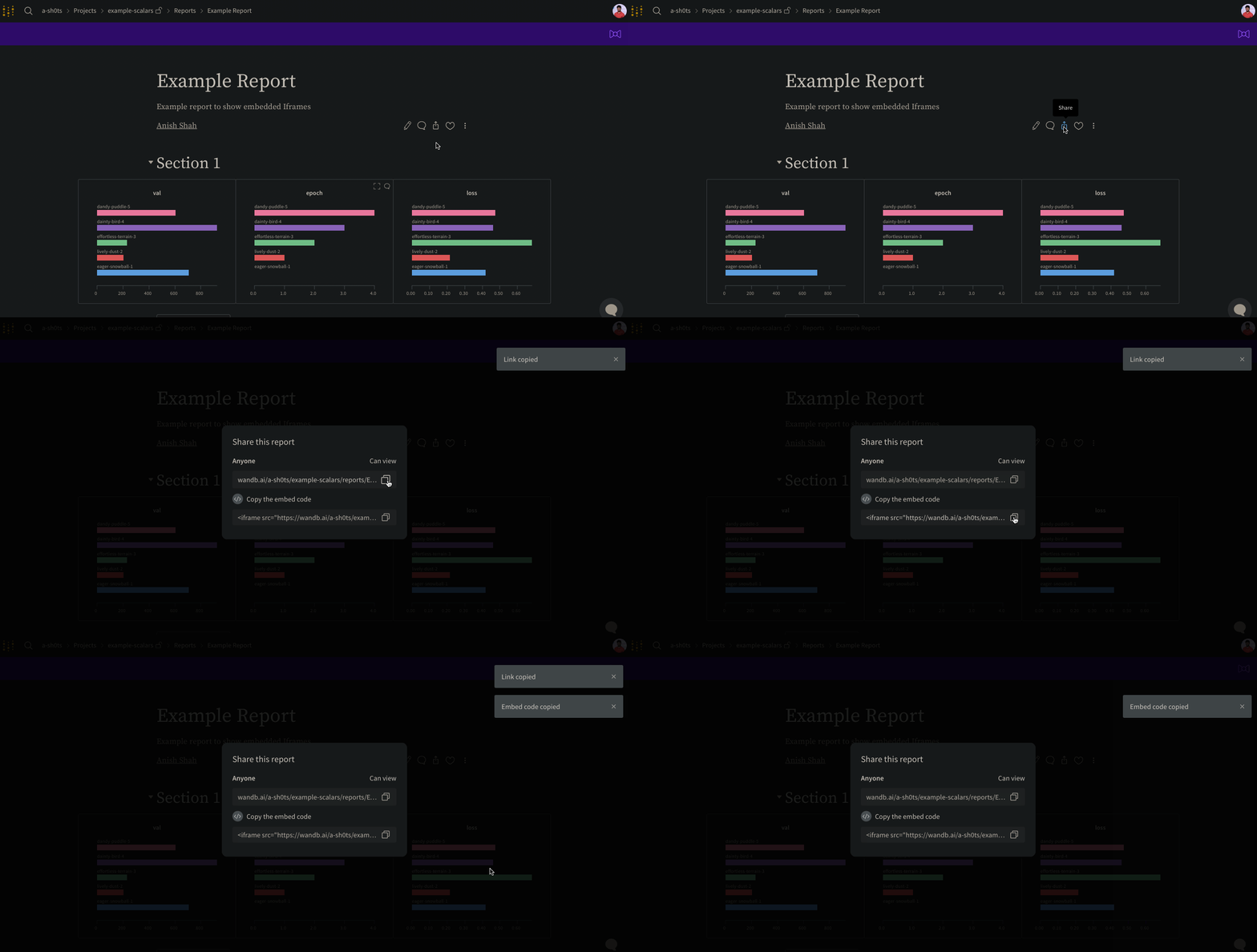
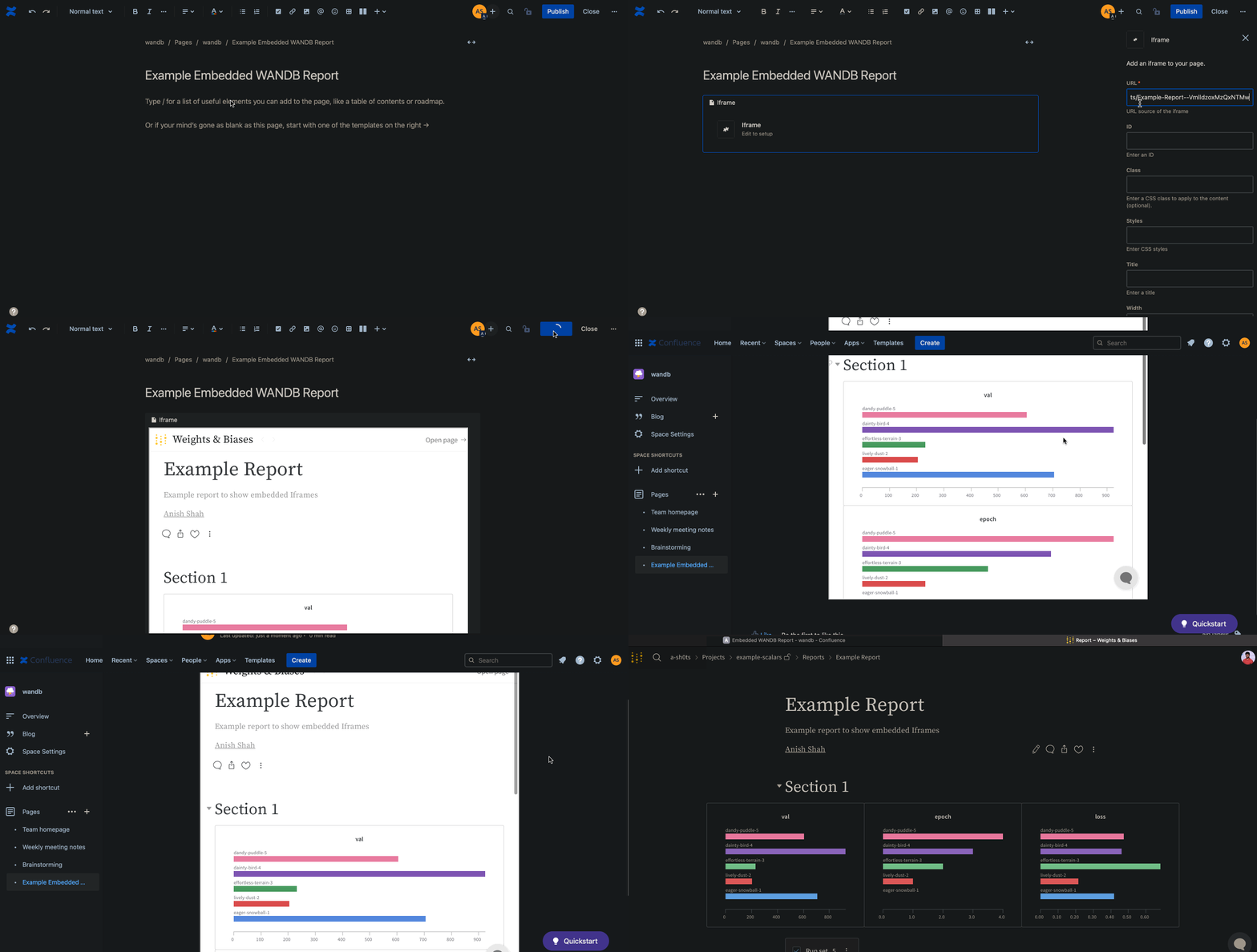
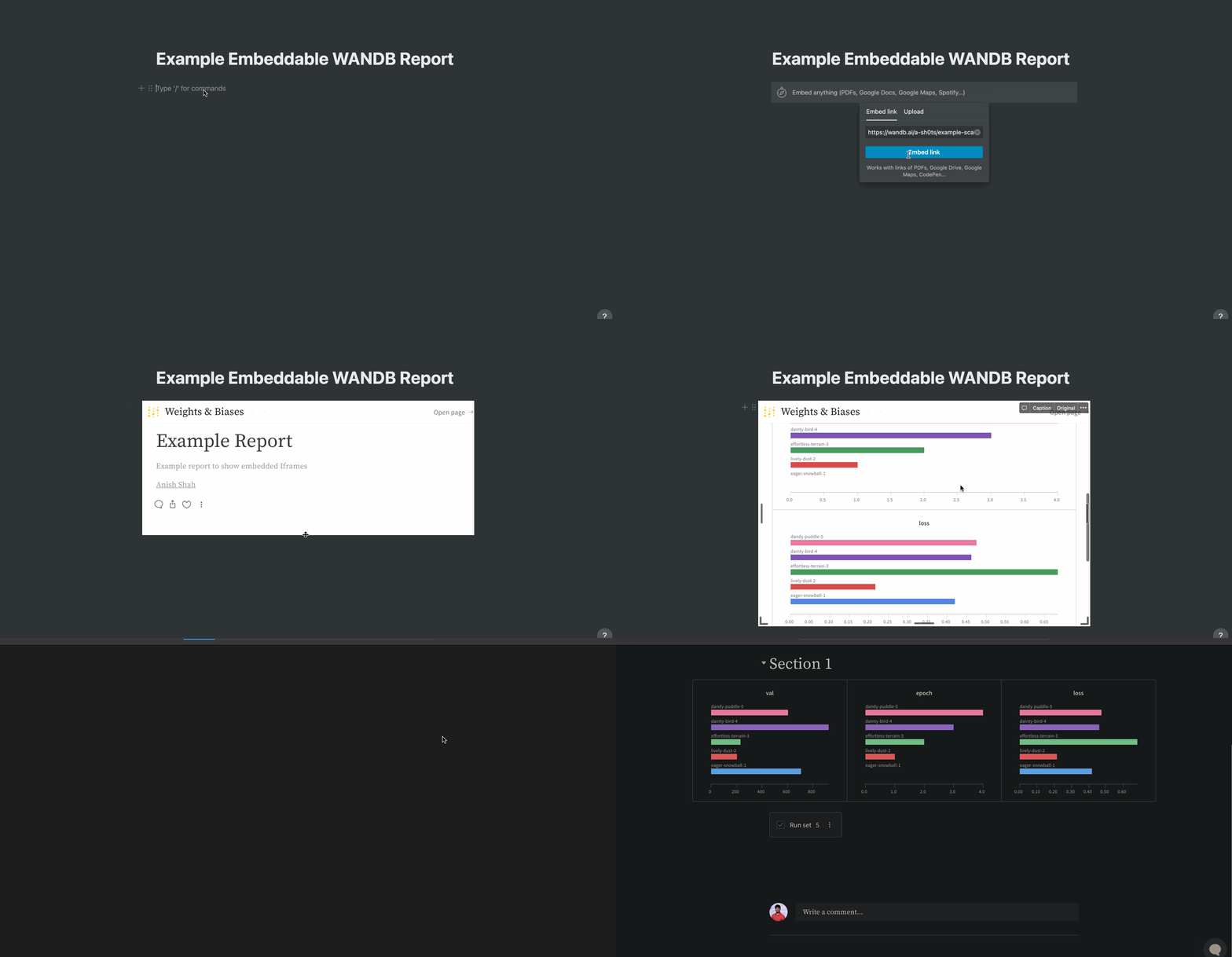
レポート右上にある Share ボタンをクリックします。モーダルウィンドウが表示されるので、その中で Copy embed code をクリックします。コピーされたコードは Inline Frame (IFrame) の HTML 要素としてレンダリングされます。任意の iframe HTML 要素にコピーしたコードを貼り付けます。
埋め込み表示できるのは public なレポートのみです。
gr.HTML 要素を使用して、W&B Reports を Gradio アプリ内に埋め込み、Hugging Face Spaces でも利用できます。
import gradio as gr


def wandb_report(url):
    iframe = f'<iframe src={url} style="border:none;height:1024px;width:100%">'
    return gr.HTML(iframe)


with gr.Blocks() as demo:
    report = wandb_report(
        "https://wandb.ai/_scott/pytorch-sweeps-demo/reports/loss-22-10-07-16-00-17---VmlldzoyNzU2NzAx"
    )
demo.launch()


 プラットフォーム
 W&B Models
 W&B Weave
 W&B 推論
 W&B 学習
 リリースノート