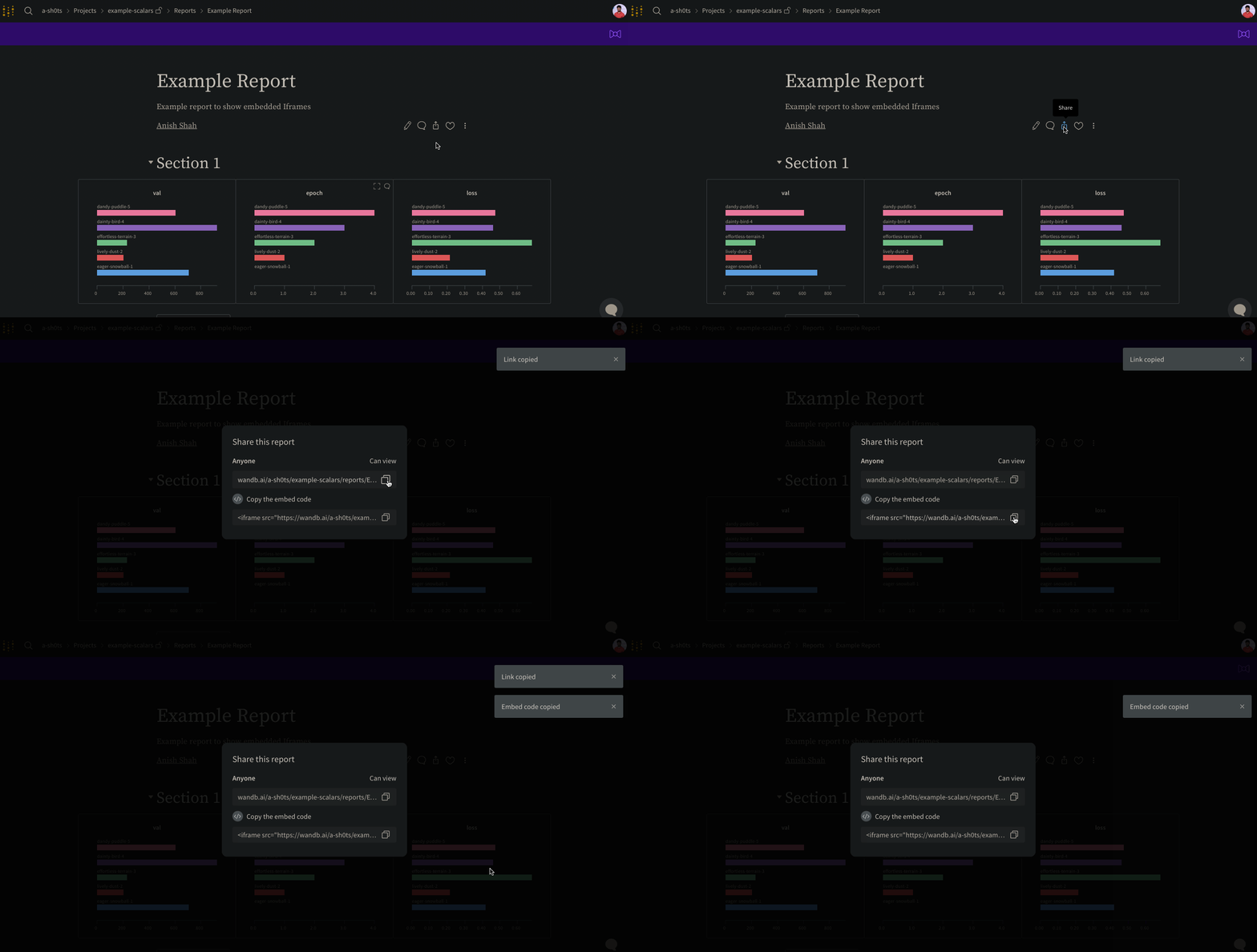
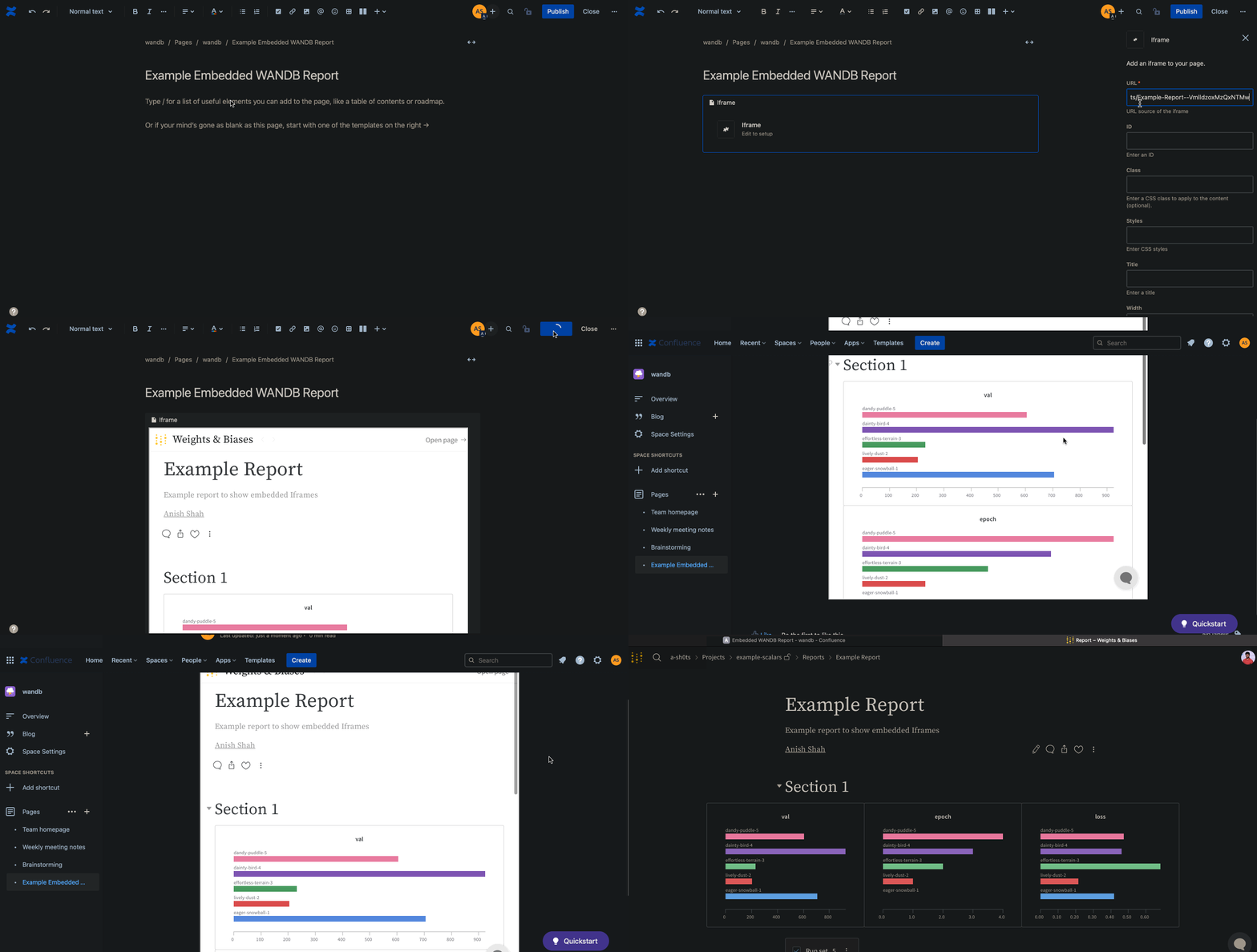
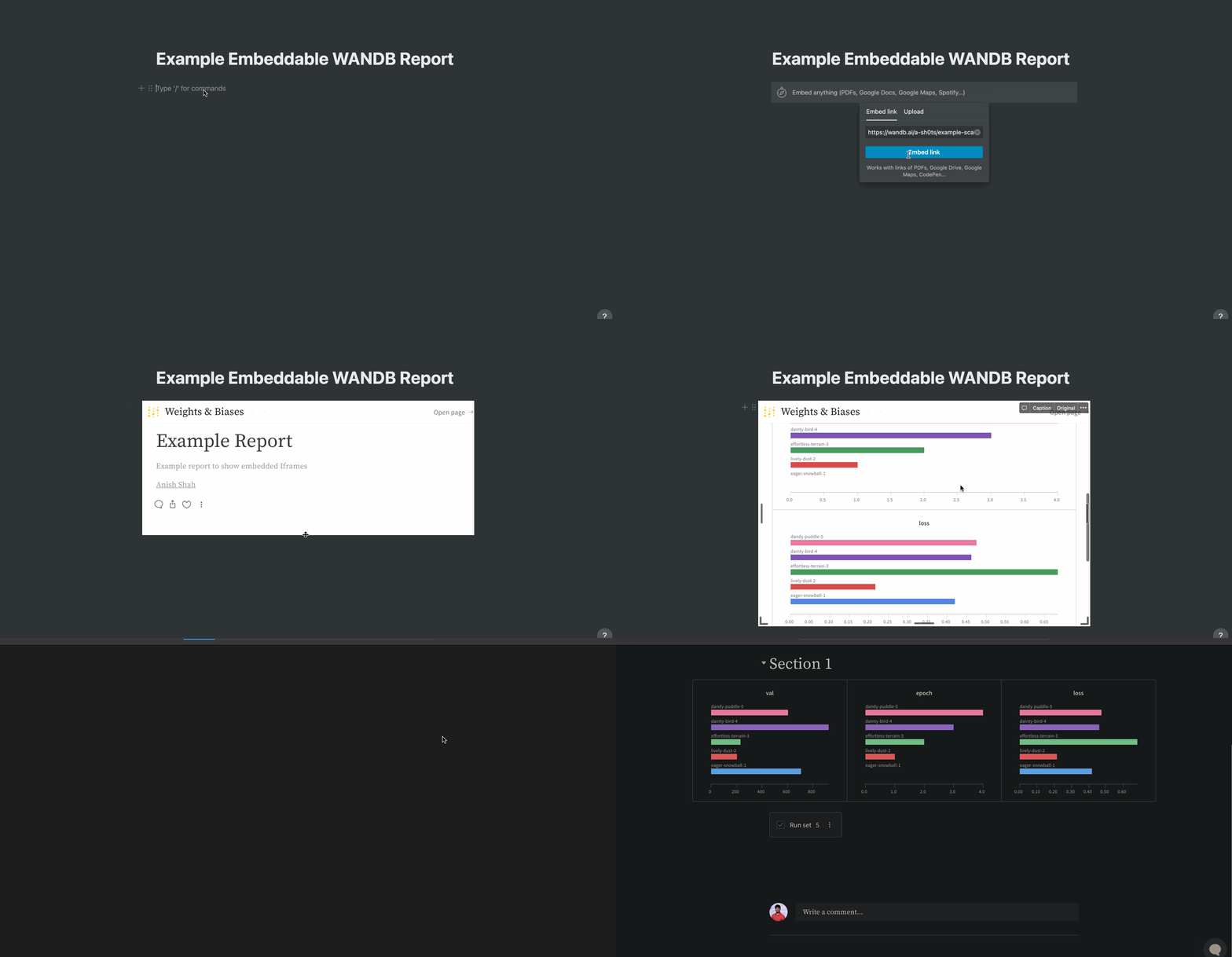
리포트 우측 상단의 Share 버튼을 클릭합니다. 모달 창이 표시되면, 그 안에서 Copy embed code를 선택합니다. 복사된 코드는 Inline Frame(IFrame) HTML 요소로 렌더링됩니다. 원하는 iframe HTML 요소에 이 코드를 붙여넣습니다.
임베드한 경우 public 리포트만 조회할 수 있습니다.
gr.HTML 요소를 사용하여 Gradio 앱에 W&B Reports를 삽입하고, 이를 Hugging Face Spaces에서 사용할 수 있습니다.
import gradio as gr


def wandb_report(url):
    iframe = f'<iframe src={url} style="border:none;height:1024px;width:100%">'
    return gr.HTML(iframe)


with gr.Blocks() as demo:
    report = wandb_report(
        "https://wandb.ai/_scott/pytorch-sweeps-demo/reports/loss-22-10-07-16-00-17---VmlldzoyNzU2NzAx"
    )
demo.launch()


 플랫폼
플랫폼 W&B Models
 W&B Weave
 W&B Inference
 W&B 트레이닝
 릴리스 노트